

Sep 20, 2017
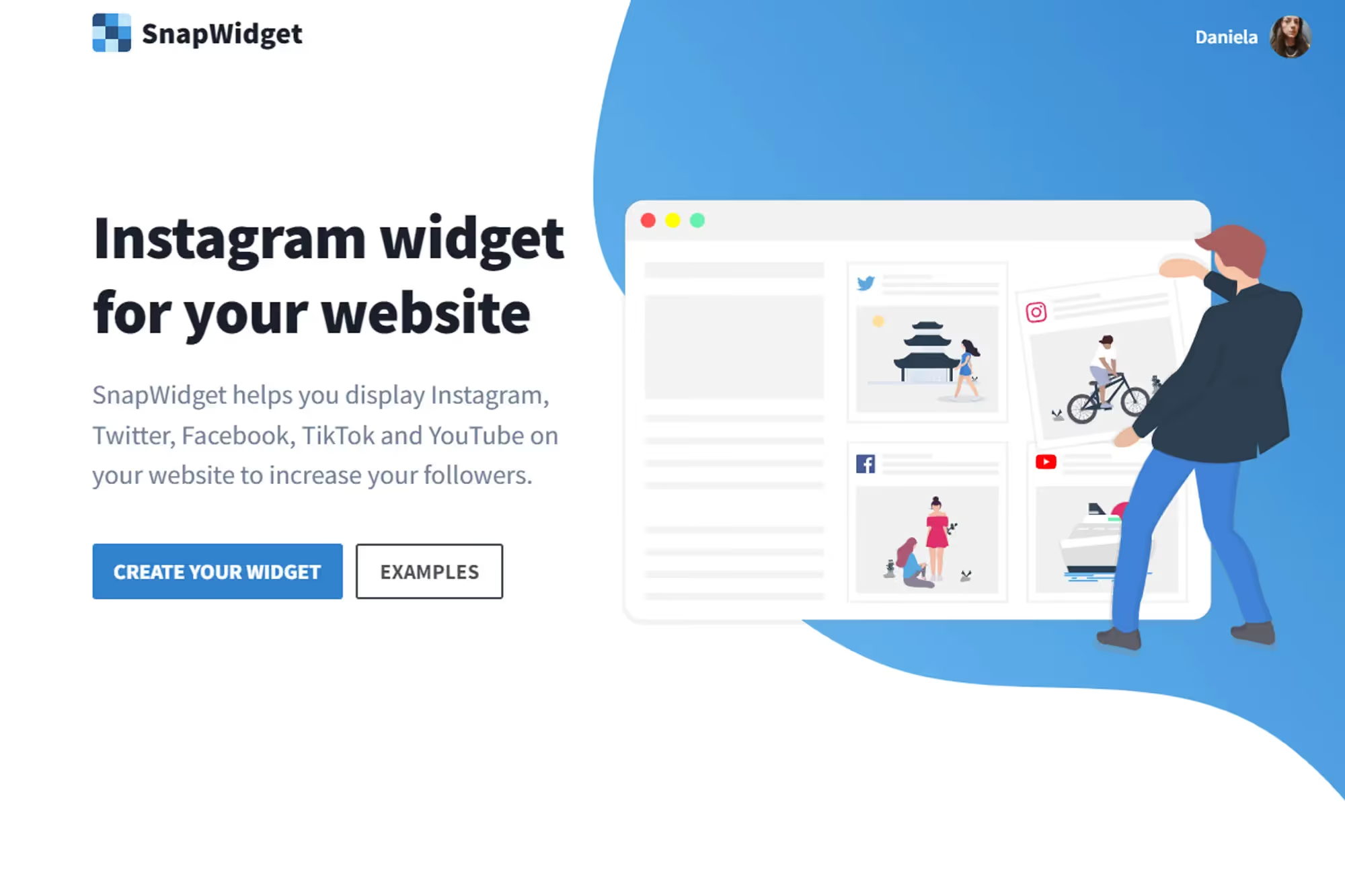


Posting my drawings and projects on Instagram has had a great return for me. I would even say that it is my main social network at this point. Because of this, I always looked for a widget that met expectations and I could have good options to customize and present my work on my site in the best possible way.
I've tested several widgets over the years. Several indeed. All, generally, with free and paid options, of course. Most, however, sinned a lot when it came to personalization. They were always very simple, basic. That's when I came across the SnapWidget.

The free version of SnapWidget already has several interesting customization options, from the basic grid to even the scrolling or slideshow option. Other than that, it also gives you the option to add share buttons to the images. It also includes really cool hover effects, such as Likes & Comments, which adds the number of likes and comments received on each image.


The paid version of SnapWidget, on the other hand, includes even cooler customizations! I've been a subscriber for over a year, by the way. I decided to subscribe at the time because I wanted to filter the images by hashtag, so I choose which images I want to appear in the widget. Since I would only need a PRO version of the widget, I signed up for the $5 Lite plan. And it was very worthwhile. Next, I'm going to tell you a little bit about what you can do.


In the paid version, the widget has the Shoppable option. Basically, you can include links in your photos. This is very useful for those who, for example, want to post a photo of a product for sale and want to include a link to it. When the person is on your site and sees the widget, they can simply click and access the purchase page for that product.


You can also add custom CSS, in addition to having many other options for presenting your images. I particularly like to use Shoppable (Lightbox), so I show my images with a lightbox and I still have the option to add links to the images when needed.

Another very useful option that I really like is the possibility of adjusting the widget's responsiveness the way you want it to appear on tablets, smartphones, etc. As responsive as today's widgets are, not all of them can be adjusted so that you can choose the number of images you want to appear in other devices. In my case it's extremely useful because in the desktop version of my site I like to show 6 images in 1 line. On the mobile phone, for example, I prefer it to be 3 in two lines... and so on. You can see how I customized mine here on the site (at the bottom of the page).

They also have free and paid widget options for Facebook and Twitter photos, if you're interested. SnapWidget has plans for everyone, including plans for developers who may need to create widgets for their clients, for example. Plus, the support is great. I was always very well taken care of.
It's, without a doubt, one of the best widgets I've ever used. It's worth checking out! ;)