

Dec 5, 2015



I hadn't practiced digital painting in a long time and the This Week's Drawings marks my return to digital paintings. Do you remember the Past post? What did I say about whether or not to make a digital art of my Milotic drawing? Well, I decided to do it and I'm very happy with the result!
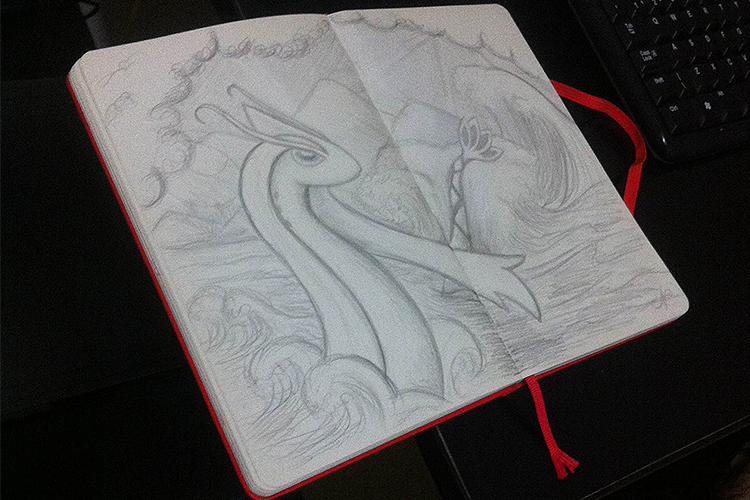
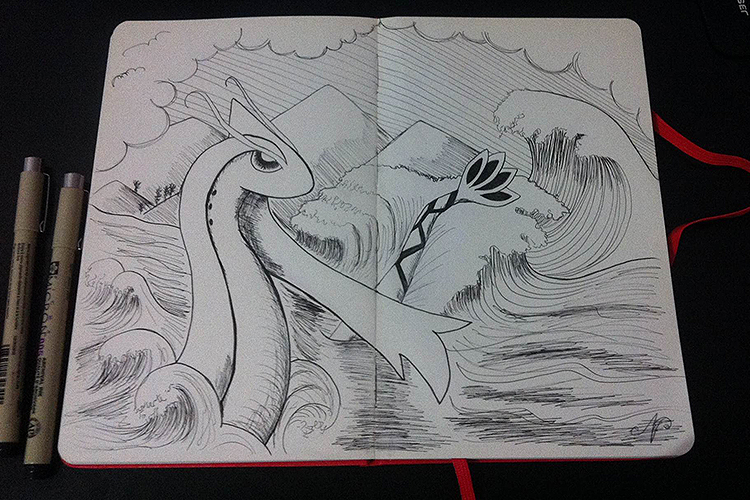

I think it took me about 8 hours to finish this painting. I used my sketch as the basis for the art, but I ended up modifying the digital drawing a bit — the details in the background, the tip of the tail, the water hitting the rocks, etc. I still need to improve the painting of environments, which I will train more from now on as well.
When starting a digital painting, many artists generally prefer to do everything in shades of gray (volume, light and shadow, etc.). It's funny that although I started learning drawing with pencils — and I confess that I was reluctant for a long time to add color to my work, hahaha — I don't like to do it from shades of gray, I prefer to enter the colors I'm going to use now. It's also a great practice to train more and understand colors better. Anyway, any day I try to make it directly from shades of gray!
I like to redraw the outlines of my drawing in Photoshop as a base (not always, it depends on my patience because I have a digitizer table that is terrible, but it breaks the branch, hahaha — yes, it's not from Wacom), I choose the basic colors of the drawing, leave the layers until they're organized... for a while: p... and then I'll have the party. There is a player and RAM memory! For this painting, Photoshop swallowed up about 10 GB of RAM here, lucky I have 16, but if it continues like this I'll have to invest in the 32! XD

In fact, a tip: to smooth out the contours when drawing with both the table and the mouse, I used a program that I saw people commenting on the web: Lazy Nezumi Pro. I highly recommend it! It has several cool options to adjust as you see fit and it helps a lot. You can choose to leave the option turned on so that it opens when you open Photoshop as well. It has a 30-day trial after which it costs $35 to buy the program. If you want to test, just download the program from their website by clicking here. I will definitely buy it! I loved it and recommend it! His option that I liked the most, by the way, is the “smoothing — pulled string”. When you are going to make the stroke, it shows you with an arrow the direction you are tracing. It's pure love! This is great for when you go around your sketch, because sometimes it gets really angry not to know exactly where you're tracing, hahaha. Apart from the other options you have, as you can see on the print screen I made. I haven't even tested it yet! :O
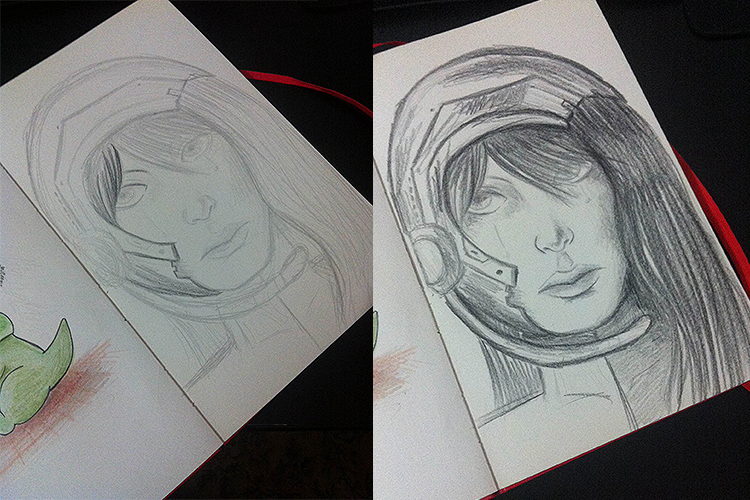
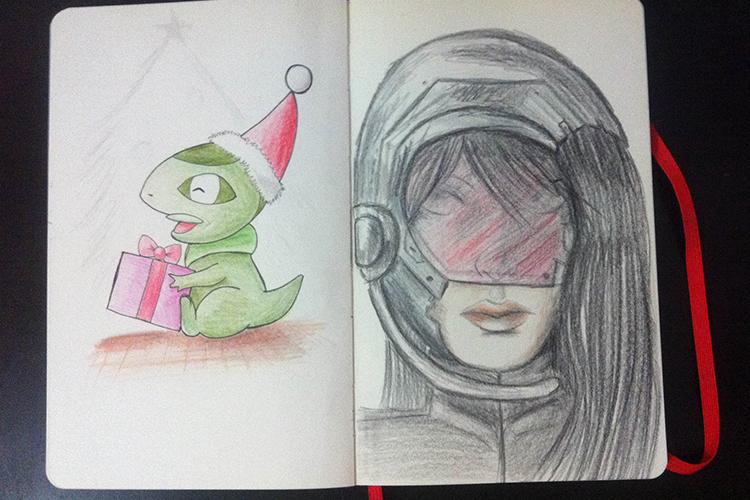
I also did some other drawings during the week, but this painting was the one that I dedicated the most time to. I was so caught up in digital painting that even to start it, to be quite honest, I was reluctant. When we don't train for a while, something seems to be even more afraid to do something. wrong, which is silly, because after I started and I saw that although I didn't train as much digital painting this year, all the effort I'm making in watercolor, colored pencil drawings and everything else, has helped me, which also brought digital contributions. This is, without a doubt, the best digital painting I have done so far and I hope to improve even more in the next ones!

And that's it for today!
I hope you enjoyed it!
For those interested, the Milotic painting is now available available at my store on Society6 for sale! In fact, these days I've been thinking about maybe making framed art prints available for sale directly with me... because the prices on Society6 are in dollars (and we here from Tupiniquins are suffering from the high, let's face it, hahaha), I'm looking for options to make the price more affordable for the staff, not to mention that it's even faster to send by post office here than expecting to arrive from outside, isn't it? As soon as I have everything in place and ready to sell I will let you know.
A great weekend! <3