
July 8, 2018
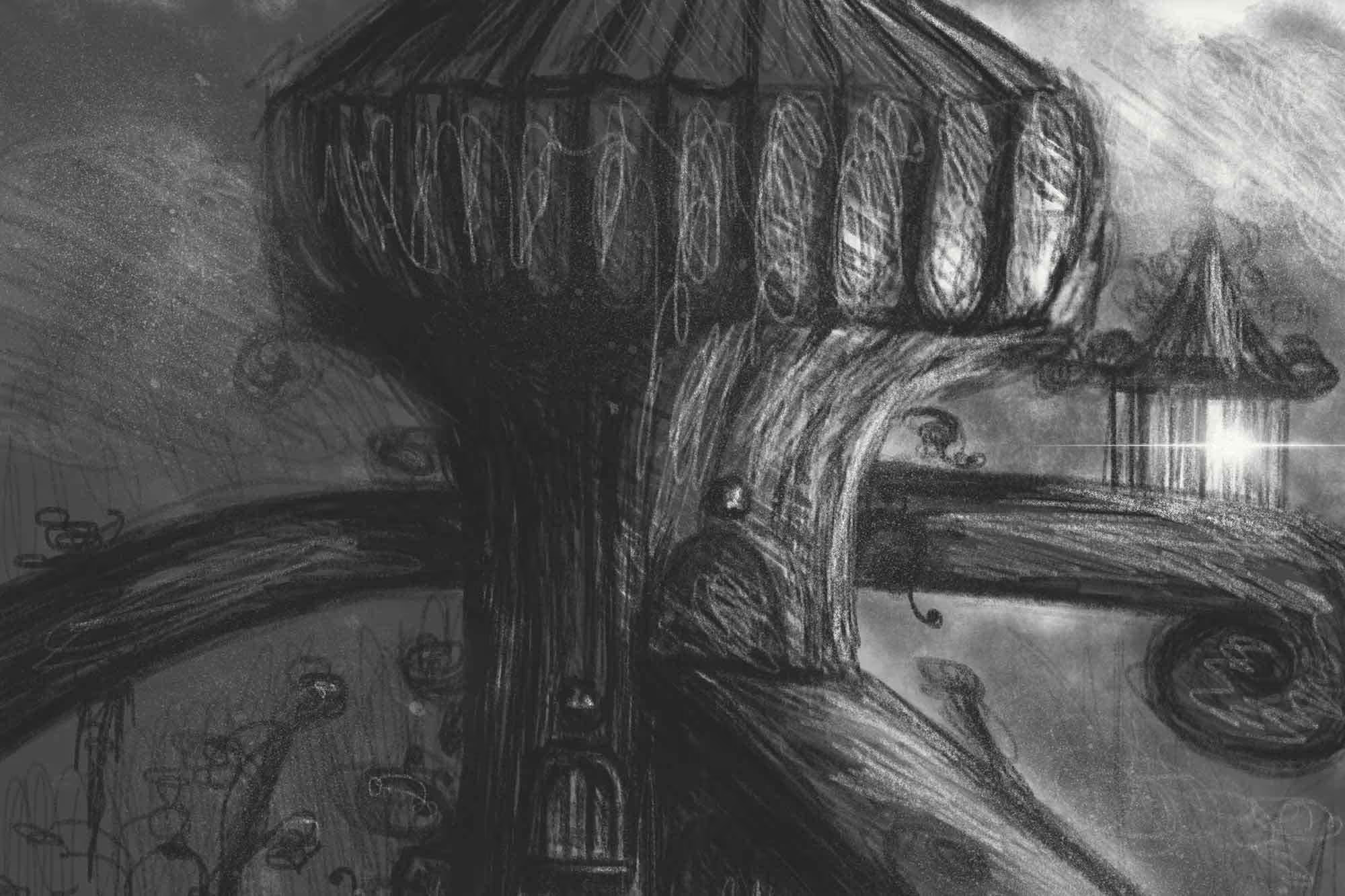


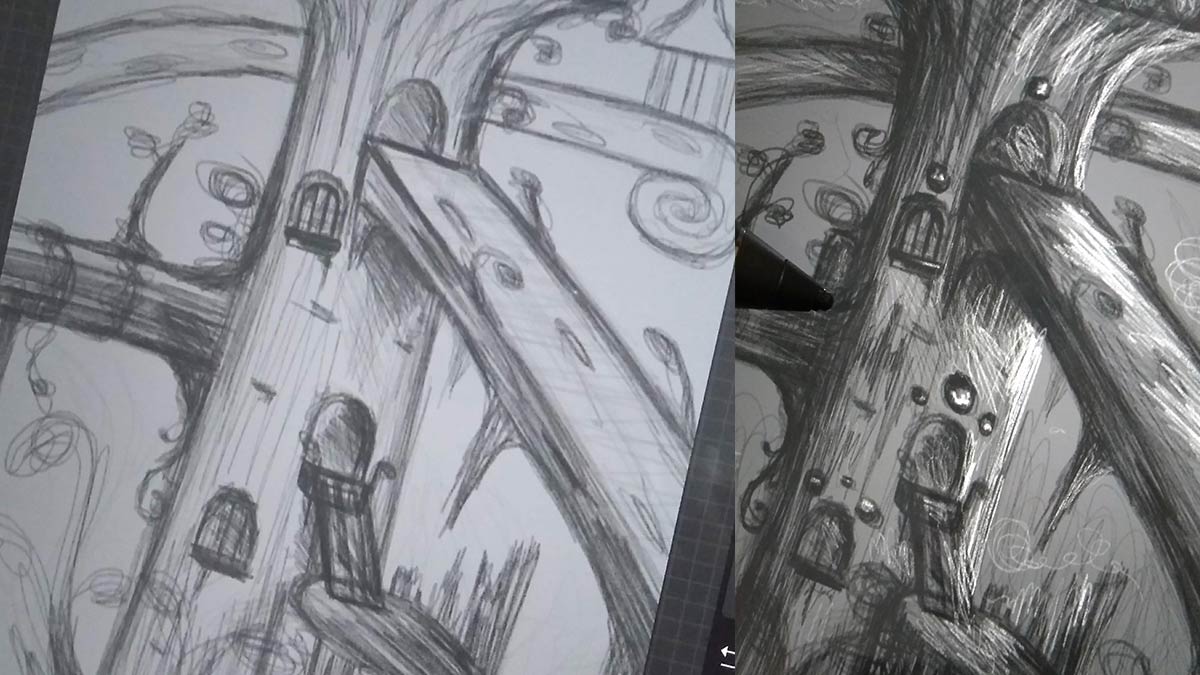
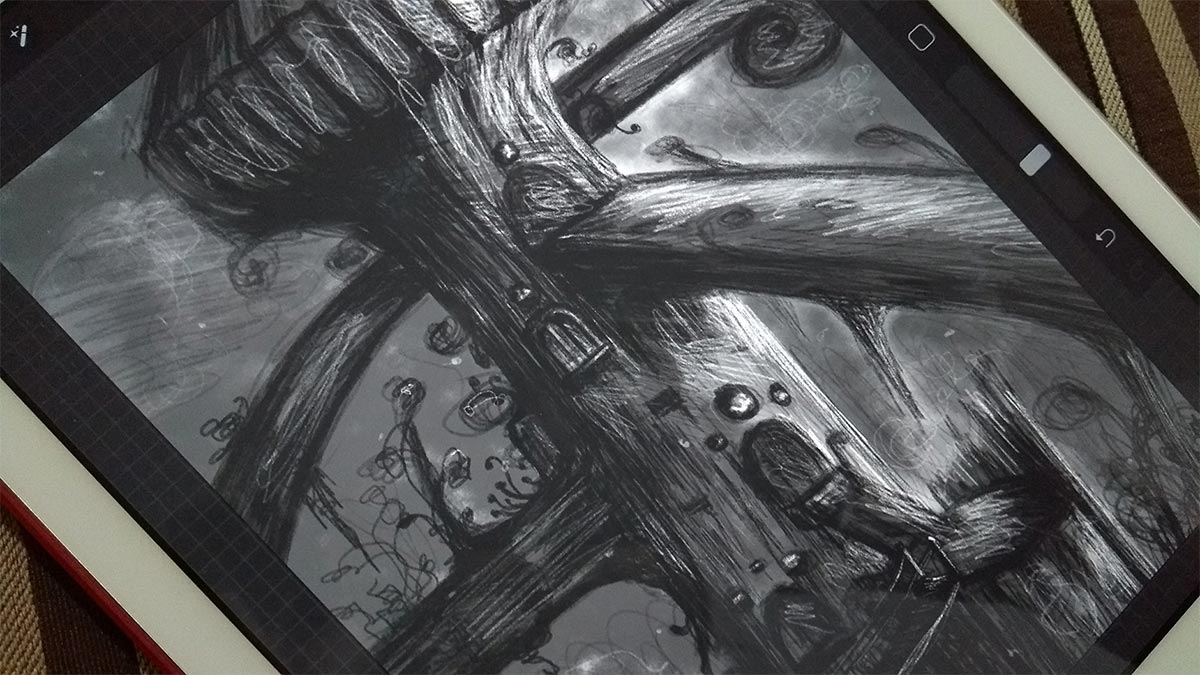
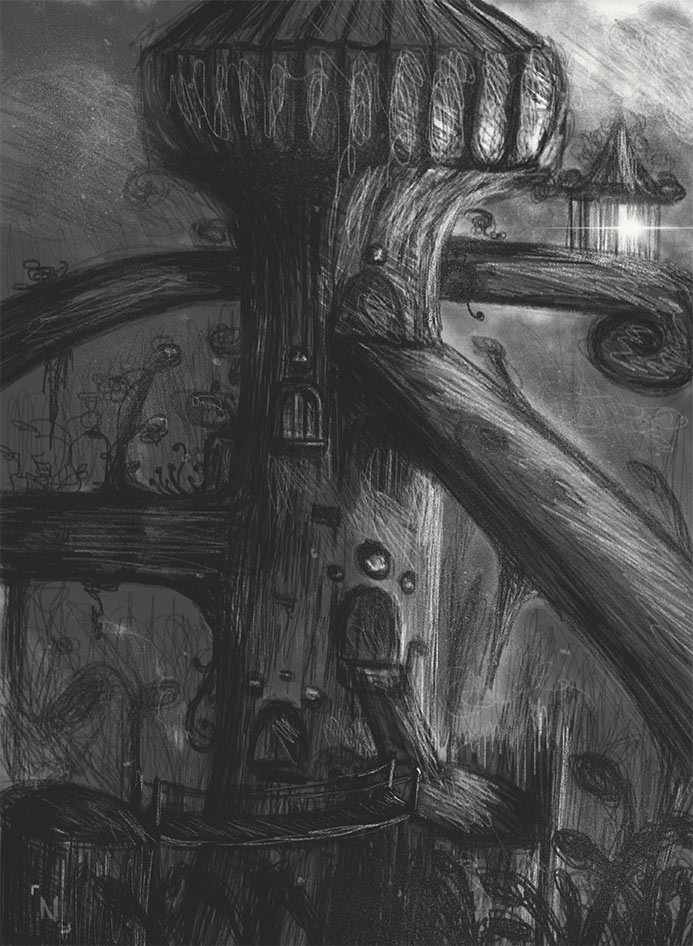
The week was very productive. I took the opportunity to make only digital drawings (since I want to practice more) in Procreate. Since I had not yet done a digital scenario design, I decided to do it too.
I played around a bit with layer blending effects — yes, there are in Procreate too, haha. Similar to what we already have in Photoshop. A bit more limited, but extremely useful, of course. Once I'm better familiar with all the features of the app, I'll do a full review post;)
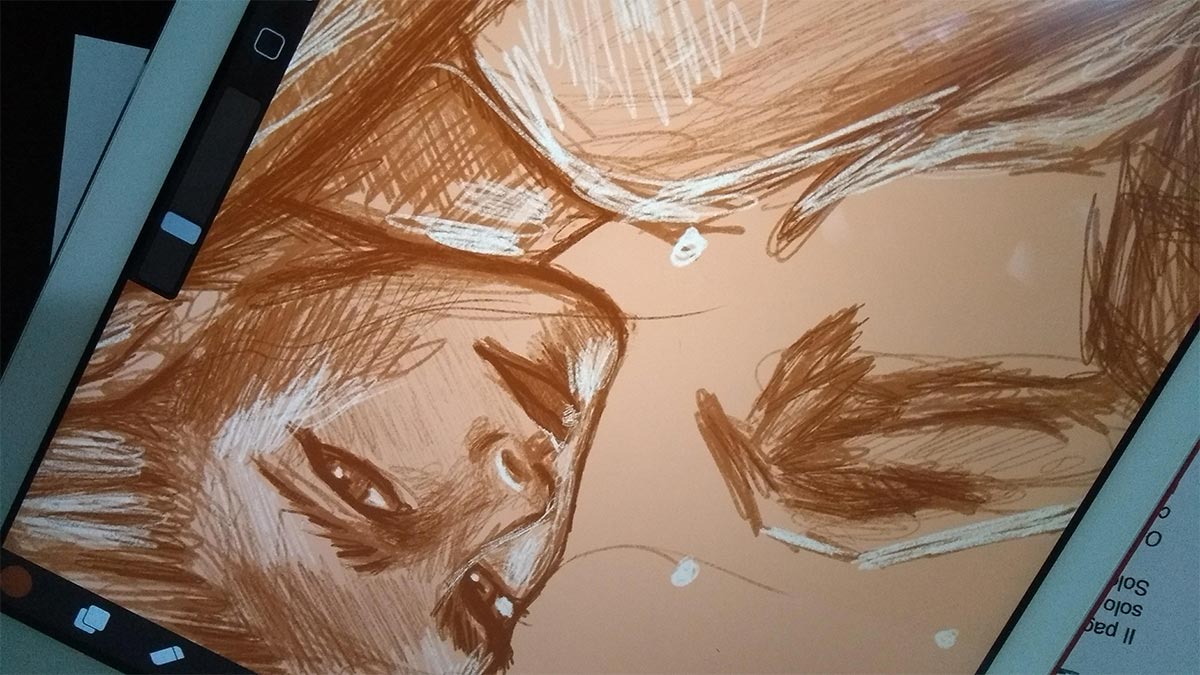
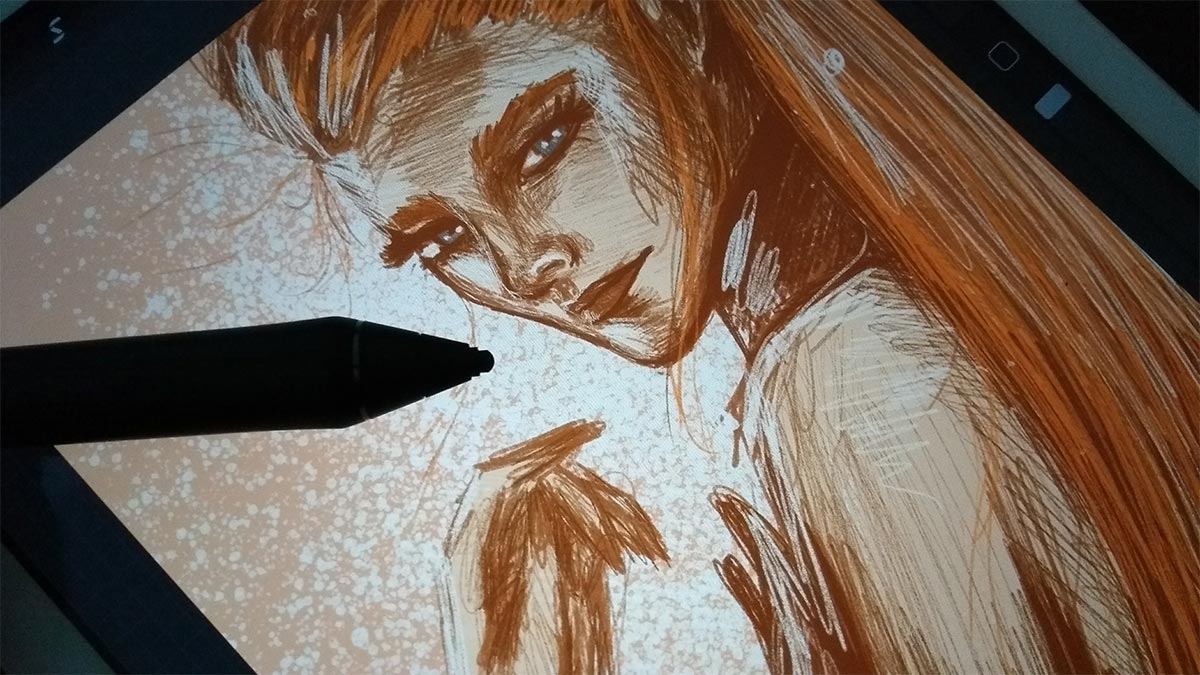
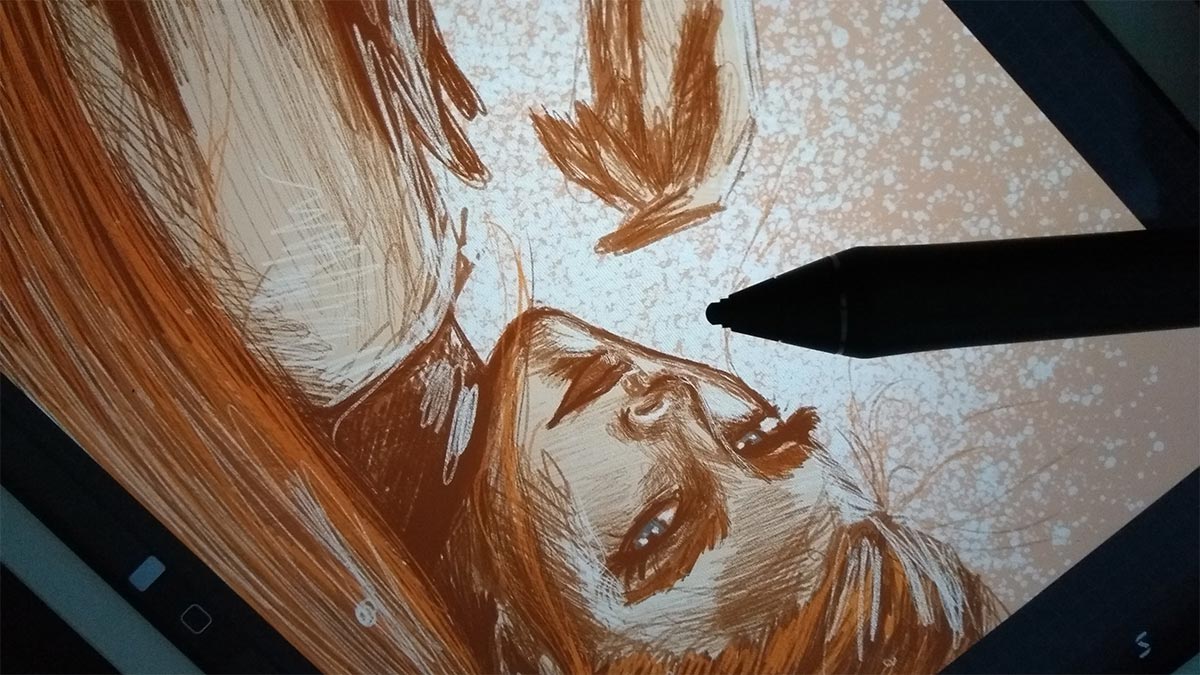

I used the layer effects more for the lighting that became more yellowish - because of the skin color, and I also used it in some details to reinforce the shadow layer I created. I confess that I was never much of a fan of layer blending effects when making digital drawings, nor did I like to do it in Photoshop (except when working with photomontages or image editing, but not on my own drawings and from scratch), but it was cool to test different combinations and learn more.
I still prefer to follow my own color scheme based on my choices instead of doing that, but I confess that it was fun and I really enjoyed exploring, especially in lighting. Below is a time-lapse of the painting:
And that's it, guys. I hope you enjoyed today's post!
I believe that next week I will also continue to explore digital art, because I want to train more and I am loving Procreate. If you have a cool stylus and an iPad, I highly recommend buying the app.
I use the Intuos Creative Stylus 2 with an iPad Air 1, but I always hear very good things about the iPad Pro with Apple Pencil - a shame they are so expensive :( still, it must be worth it, for sure... but since I can already work well on the app even using a much older iPad Air 1 and my current Wacom stylus, I will continue with them.
Learn more about Procreate on their official website: procreate.art
A great week for you!